Project Board is Ambient Desktop's planning and execution surface for long-running agent work: it turns goals into durable plans, task cards, source-backed evidence, and review loops.
Project Board Lifecycle diagram. Four numbered stages run left to right. Stage 1 Capture holds Goal, Sources, Clarifications, and Draft inbox, and captures context. Stage 2 Plan holds Cards, Dependencies, Budgets, and Owners, and shapes plan. Stage 3 Execute holds Threads, Artifacts, Evidence, and Retries, and executes work. Stage 4 Review holds PM review, Proof judgment, Git summary, and Next slice, and reviews proof. A board proof state chip lists cards, evidence, and review.
In short: a goal moves through Capture, Plan, Execute, and Review, carrying a proof state of cards, evidence, and review from start to finish.
When to use it#
Use Project Board when a request is too large, ambiguous, or important to live only in chat: work that needs decomposition, source grounding, pause/resume, review, and proof. Typical starting points: implement a feature across several files, investigate a regression, compare architecture options, validate release readiness, or turn a vague product request into ordered implementation cards.
Use plain chat for small single-step tasks. Reach for the board when the work has multiple dependent steps, needs your review before execution, or must preserve proof across pauses and restarts.
End-to-end flow#
A board moves through four stages:
- Capture. Ambient records the goal, relevant files or artifacts, known constraints, and open questions, which gives the planner a bounded context instead of a giant prompt dump; proposed cards land in the Draft Inbox.
- Plan. Accepted cards get dependencies, budgets, and owners; the plan takes shape as a reviewable structure rather than free text.
- Execute. Cards run as threads that produce artifacts, evidence, and retries.
- Review. The PM review judges proof, the Git summary is inspected, and the next slice of work is chosen.
Ambient can propose cards automatically from a goal and its source context; the Draft Inbox exists precisely so you review and shape that plan before it becomes committed work.
The surfaces#
- The Draft Inbox is a staging area for candidate cards, implementation choices, and clarifying questions before they become committed work. You can accept, refine, defer, or reject each one, which keeps the board from filling with unreviewed or low-confidence work.
- The Kanban Board is the main execution surface. Cards expose status, scope, source evidence, validation, owner/runtime context, and next actions.
- Map View is a relationship view for dependencies, artifacts, cards, and decisions. It helps you see whether work is converging or branching.
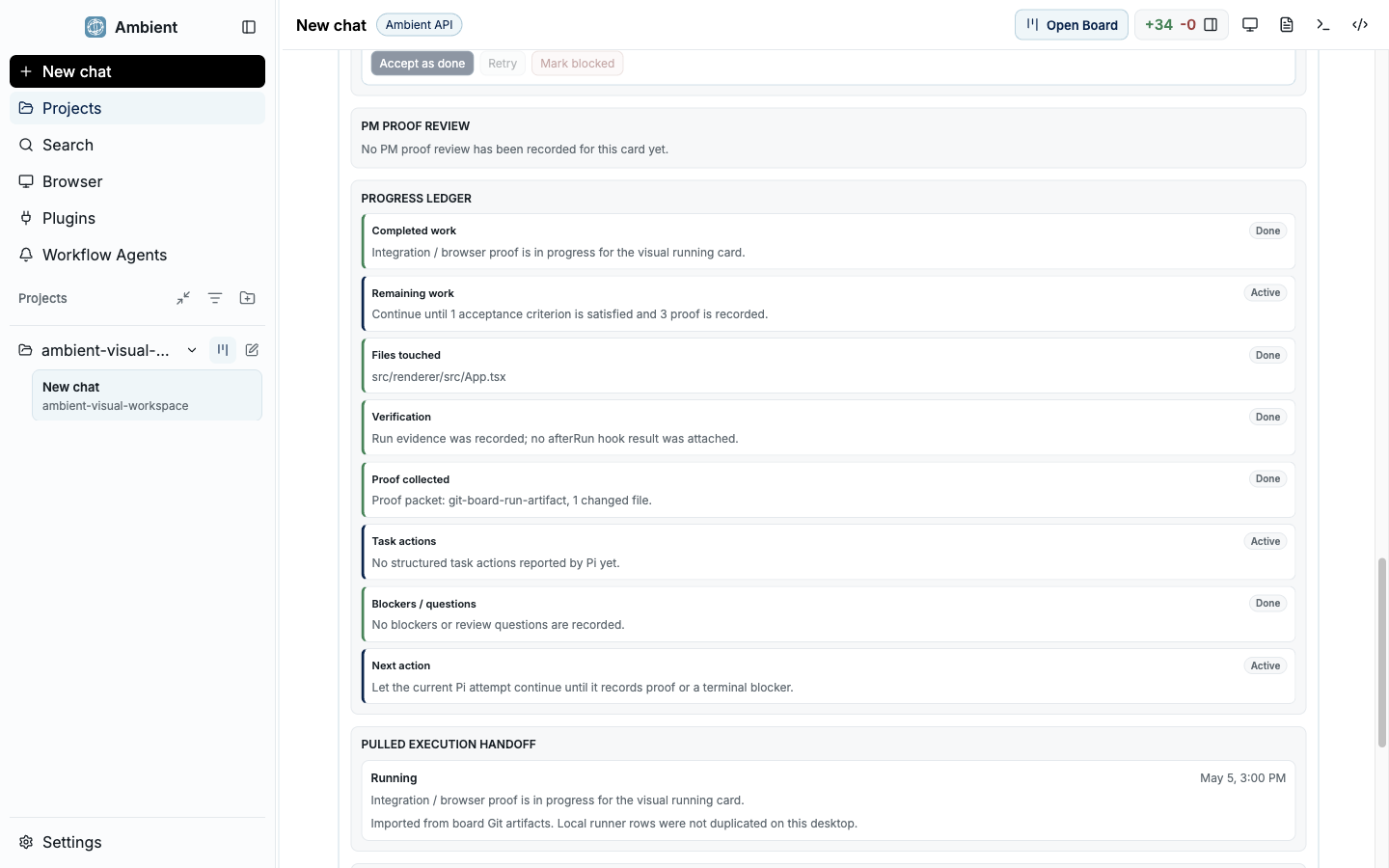
- Proof and Review is a compact record of what changed, what was validated, what remains risky, and which evidence supports the final answer. Proof surfaces attach commands, screenshots, source paths, and final notes to the work product.
Card state and evidence#
Project Board is effective because cards are not just labels. They are durable units of work that preserve why the work exists, where evidence came from, what was attempted, which artifacts were produced, and how completion was judged. Every card carries one of a fixed set of statuses: proposed, accepted, active, blocked, review, and complete. Work can pause and resume without losing the shape of the plan.
A card carries:
| Field | What it holds |
|---|---|
| Source references | Files, docs, screenshots, traces, and external facts the card is grounded in |
| Status | Current state, dependencies, and budget |
| Validation | Commands or product checks that prove the card |
| Artifacts | Documents, screenshots, logs, and diffs the work produced |
| Review notes | Review judgment, proof quality, and follow-up risks |
When a board finishes, the Git summary and review surfaces connect the result to branch state, diffs, and acceptance criteria. That is the handoff from agent work to your normal source-control review.
How it relates to durable goals#
Durable goals are the persistence engine: they preserve the overall objective and continuation state on disk. Project Board is the most visible surface on top of that engine, giving a goal a card structure with evidence and review points. You do not choose between them; a board is how you watch and steer a durable goal.
Keep going#
- Durable goals: the engine underneath the board
- Symphony: delegating card work to child agents
- Workflow Recorder: turning a successful run into a reusable workflow