Letting an agent browse the open web means letting it load pages a human never vetted. Ambient Desktop treats every page as untrusted: powerful web capabilities, bounded by policy, isolation, and visible approval. Risky capabilities are sandboxed so the agent can operate on a regular desktop with bounded authority; the security model covers that boundary in full.
Every page is untrusted input#
When you browse, you decide what to click. When an agent browses, it follows links and renders pages on its own, including pages chosen by search results, redirects, or the content of other pages. That makes the open web an untrusted input channel: a hostile page can try to exfiltrate data, reach internal network addresses, or steer the agent through injected instructions.
Ambient's answer is to never treat a fetched page as trusted code. Browser and scraper capabilities run with explicit policy, address protection, and isolation, and anything sensitive surfaces an approval rather than happening quietly.
The sandbox boundary is four stages between a hostile page and your machine:
Capability Sandboxing Model, the sandbox boundary: policy, isolation, audit. Stage 1, Untrusted surface, classifies risk: an MCP server, a Pi package, a browser page, or a scraper. Stage 2, Ambient mediation, applies policy: descriptor review, permission policy, secret redaction, ToolHive. Stage 3, Execution boundary, contains execution: container workload, sandboxed Pi tool, URL policy, audit log. Stage 4, User proof, proves outcome: prompted approval, visible output, diagnostics, rollback.
The risks, and the bounds#
| Risk | Bound | What it does |
|---|---|---|
| Reaching inward | Private-address protection | Requests to localhost and private network ranges are a separate, gated boundary, so a public task cannot quietly pivot to internal services |
| Hostile content | URL policy & isolation | Browsing and extraction run with URL policy inside isolated runtimes (Scrapling via ToolHive), so a malicious page is contained, not trusted |
| Data exposure | Bounded outputs | Large page content is kept as artifacts with bounded previews, and secrets are redacted from what the agent and logs see |
| Silent action | Visible approval | Sensitive steps (logged-in browsing, downloads, form submission) require a visible permission grant with a clear scope |
Extraction first, browser when needed#
Most web tasks do not need a full browser. Ambient prefers the lightest capable tool and escalates only when the page demands it: search finds candidate sources, Scrapling extracts content from public pages, and a full browser session is used when rendering, login state, or screenshots actually matter. This keeps the attack surface as small as the task allows. The provider routing page covers how that escalation is configured and recorded.
What you get back is evidence#
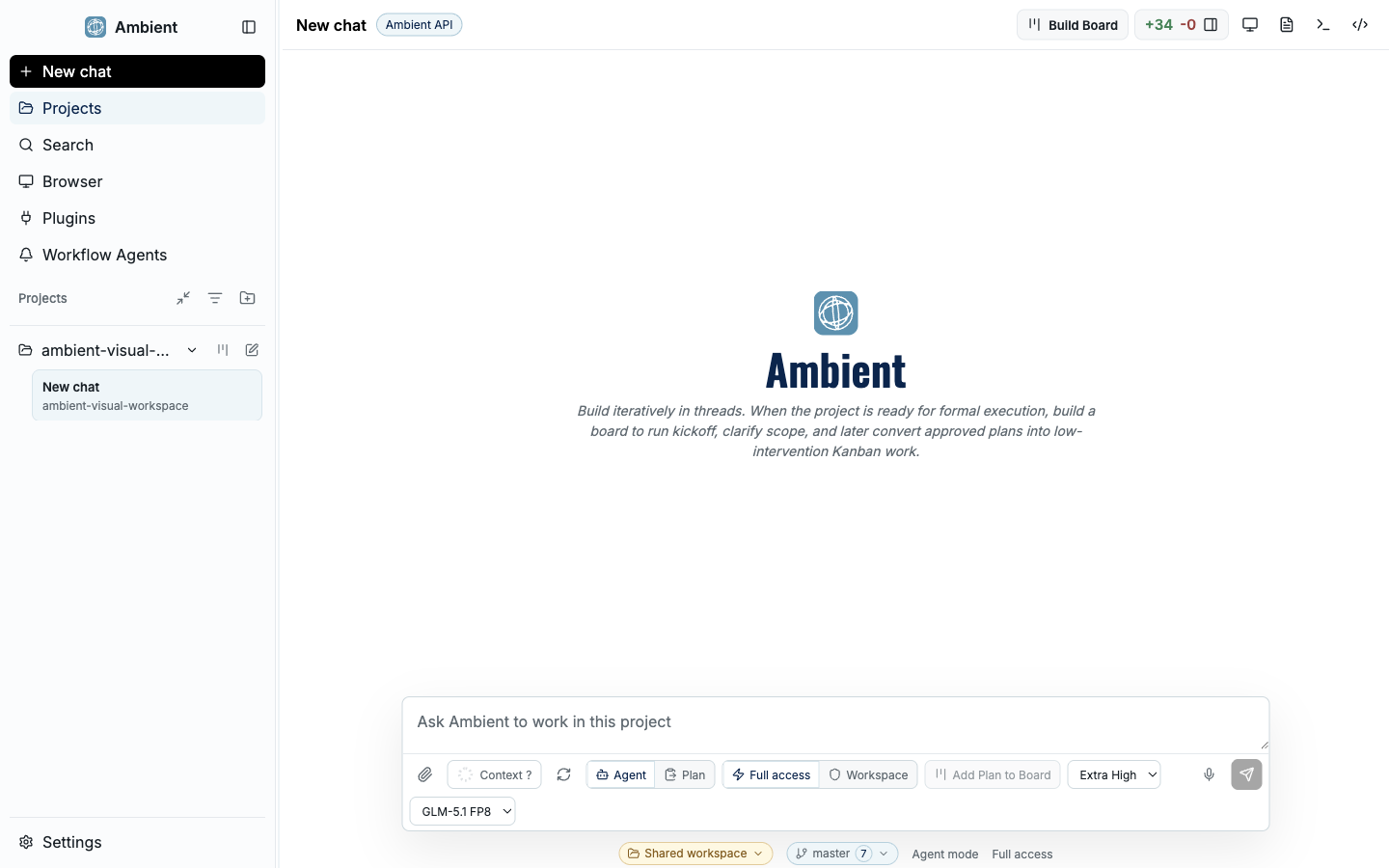
Because the web is untrusted, Ambient returns proof rather than assurances. A browsing or scraping step leaves screenshots, logs, and source attribution you can inspect, so you can judge whether the result is real, see which pages were touched, and confirm nothing sensitive leaked. Those artifacts land in the evidence panels of the main Ambient Desktop shell, which combines chat, workspace context, navigation, and evidence in one local developer workstation. Evidence is the point: it is how you verify an autonomous web task without having watched it.
FAQ#
Can the agent access my internal network? Local and private-address access is a separate approval boundary. Public web tasks do not get it implicitly; reaching internal services requires crossing that boundary explicitly.
Do I need a browser for every web task? No. Search and Scrapling extraction handle most public-page work. A full browser session is reserved for cases that need rendering, authenticated state, or screenshots.
How do I know what a page returned? Web steps produce inspectable evidence (screenshots, logs, and source attribution) with secrets redacted, so you can verify the result instead of trusting a summary.
Keep going#
- Security model: how risky capabilities are contained while the desktop stays usable
- Curated defaults: the reviewed web capabilities, and why they are pinned and sandboxed
- Provider routing: prioritizing and falling back through search, fetch, and browser providers