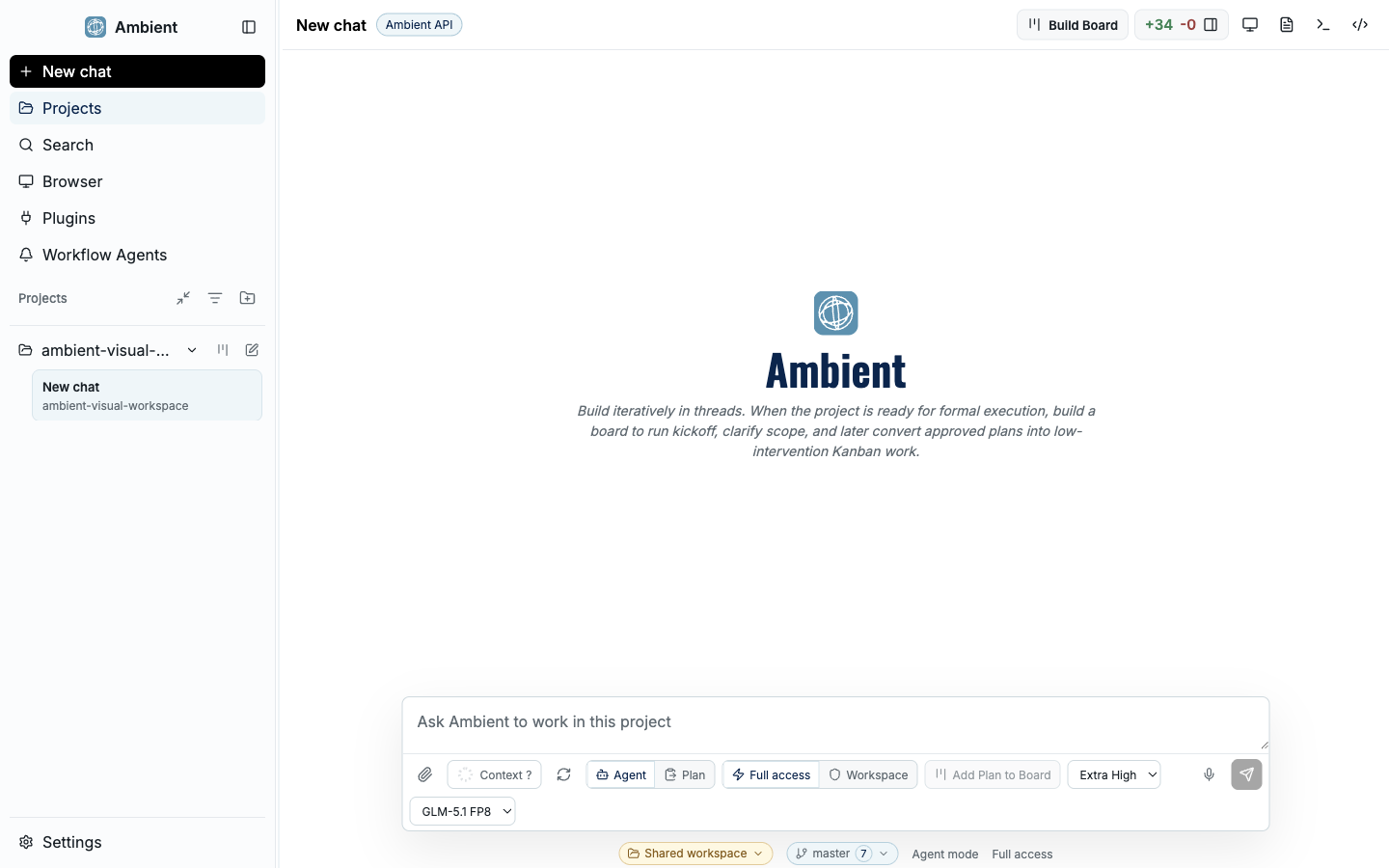
Both are coding agents. Codex CLI lives in your terminal; Ambient Desktop wraps a coding agent in a durable, inspectable workstation that combines chat, workspace context, navigation, and evidence panels in one local window.
The short version#
Codex CLI is a focused, terminal-native coding agent, fast to reach for inside an existing shell workflow. Ambient Desktop includes a coding agent too, but surrounds it with a workspace: a Project Board, durable goals, provider routing, sandboxed capabilities, browser evidence, and Git review. If you want a lightweight terminal loop, a CLI is great. If you want long-running work you can pause, inspect, and trust, that is what Ambient is built for.
Feature comparison#
| Dimension | Ambient Desktop | Codex CLI |
|---|---|---|
| Form factor | Desktop app with a full GUI (macOS, Windows, Linux) | Command-line agent in your terminal |
| Work surface | Project Board, durable goals, artifact previews, Git review | Chat-style turns and file edits in the terminal |
| Long-running work | Plan and evidence persist across restarts | Scoped to the terminal session |
| Multiple agents | Symphony orchestrates scoped child agents with budgets and joins | Single agent loop |
| Capability isolation | ToolHive containers, permission policy, secret redaction | Approval modes and an OS-level sandbox around the agent process |
| Web and browser | Search → fetch → browser fallback with evidence | Depends on configured tools |
| Local models | Local-first routing (llama.cpp, MiniCPM-V vision) | Any OpenAI-compatible provider you configure, typically a hosted API |
| Extensibility | Curated MCP catalog, Pi packages, Capability Builder | MCP and tool config via the CLI |
The isolation row is the architectural difference worth understanding. Codex CLI bounds the agent process; Ambient bounds the individual capability, which is why its agent keeps direct access to your real files and terminal while third-party MCP servers, scrapers, and browsers run contained. See the security model.
When to choose which#
Reach for Codex CLI when#
- You live in the terminal and want a quick edit-and-run loop.
- The task is small, single-session, and easy to eyeball.
- You are scripting an agent into existing shell automation.
Reach for Ambient when#
- Work spans many steps, files, or sessions and must survive restarts.
- You want to review evidence before trusting a result.
- You need sandboxed web/browser/MCP capabilities and provider routing.
- You want to delegate to specialist sub-agents with Symphony.
Keep going#
- Project Board: goals become durable plans, task cards, source-backed evidence, and review loops
- Security model: why the capability gets contained instead of the agent
- Ambient Desktop vs Hermes: the same questions asked of an always-on messaging agent